The Complete Billing Run | A Step-by-Step Guide for Telecom Resellers
The Complete Billing Run | A Step-by-Step Guide for Telecom Resellers
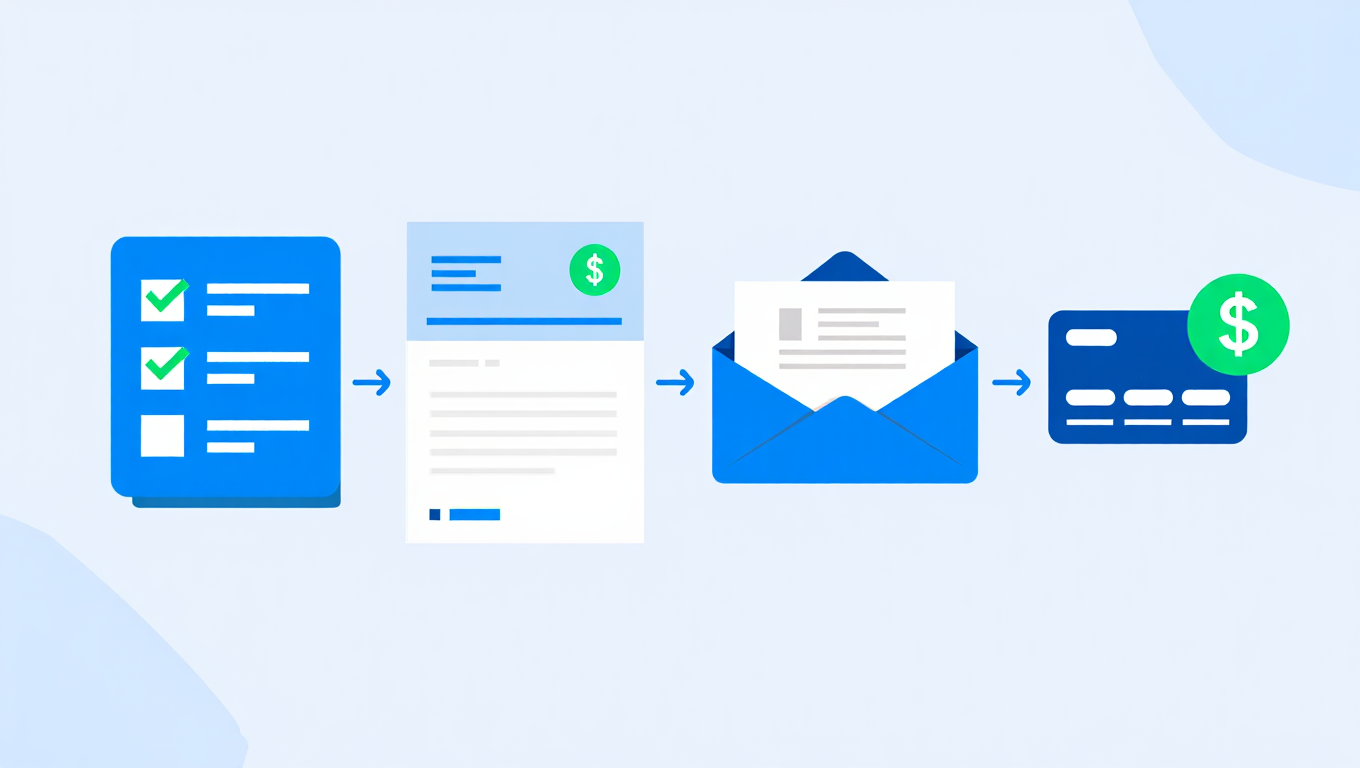
The Complete Billing Run: A Step-by-Step Guide for Telecom Resellers
The billing run is the heartbeat of your reseller business. Get it right and everything flows smoothly -accurate invoices, happy customers, money in the bank on time. Get it wrong and you’re chasing errors, fielding complaints, and waiting for late payments.
This guide walks you through each step of a billing run in SAFE, from start to finish.
What Is a Billing Run?
A billing run is the process of turning your customers’ usage data and recurring charges into invoices, sending those invoices out, and collecting payment. Most resellers run this monthly, though some bill weekly or quarterly.
In SAFE, the billing run follows a clear sequence. Each step builds on the last, and the platform guides you through the whole process. The billing run overview in our documentation covers the full workflow.
Step 1: Pre-Billing Preparation
Before you start, check that your data is in good shape:
- Customer records are up to date -new customers added, leavers removed
- Tariffs are correct -any pricing changes have been applied
- Recurring charges are set -line rentals, features and fixed fees are assigned
- Number ranges are accurate -all telephone numbers are linked to the right accounts
Run the pre-billing report to spot potential issues before they become invoice errors. This report highlights things like customers without tariffs or numbers that aren’t assigned to anyone.
Taking ten minutes to review this report can save hours of corrections later.
Step 2: Supply CDRs
Call detail records are the raw material for your usage charges. During this step, SAFE processes your CDR files and rates each call against the correct tariff.
The CDR supply process handles:
- Importing CDR files from your carrier
- Matching each call to the right customer and number
- Rating calls using your tariff structure
- Flagging any records that can’t be matched or rated
If you’ve set up automated CDR processing, this step largely takes care of itself. The platform pulls in your files, processes them, and gets everything ready for invoicing.
Step 3: Review Billing Errors
Even with the best data, some records won’t rate cleanly. Common causes include:
- Calls from numbers not assigned to any customer
- Destinations not covered by the customer’s tariff
- Duplicate CDR records
- Calls outside the billing period
The billing errors screen shows you exactly what went wrong with each record. You can fix the underlying issue and re-rate, or exclude records that genuinely shouldn’t be billed.
Don’t skip this step. Unresolved errors mean lost revenue or incorrect invoices.
Step 4: Generate Invoices
Once your CDRs are rated and errors are resolved, it’s time to create the actual invoices. SAFE combines:
- Rated call charges from the CDR processing
- Recurring billing items like line rental and features
- Any one-off charges or credits you’ve added
- Applicable VAT calculations
The invoice generation process creates a professional PDF for each customer. Each invoice includes a clear breakdown of charges, so your customers can see exactly what they’re paying for.
Review a sample of invoices before moving on, particularly for any customers where you’ve made recent changes.
Step 5: Post-Billing Reports
Before sending anything out, review the post-billing report to make sure the numbers look right:
- Total invoiced amount across all customers
- Breakdown by charge type (calls, recurring, one-off)
- Comparison with previous billing periods
- Outstanding amounts and payment status
These reports are essential for spotting trends and catching problems. If your average invoice value drops unexpectedly, you want to know about it before the bills go out, not after. Take a few minutes to review the report and investigate anything that looks unusual.
Step 6: Email Bills to Customers
Once you’re happy with the billing run, it’s time to send the invoices out. SAFE’s email billing feature:
- Sends each customer their invoice as a PDF attachment
- Uses your own branding throughout, with no SAFE branding or links visible to your customers
- Tracks delivery status
- Handles customers with multiple billing contacts
Every email and invoice your customers receive looks like it comes entirely from your business. SAFE operates as a fully white-labelled platform, so your customers never see our name.
You can also make invoices available through the customer portal so customers can download them at any time.
Step 7: Run Payments
The final operational step is collecting the money. SAFE integrates with payment providers to automate this through payment runs.
If you’ve set up payment collection through GoCardless or Stripe, SAFE can:
- Submit Direct Debit collection requests automatically
- Process card payments for customers paying by card
- Match payments to invoices when they clear
- Flag failed payments for follow-up
Automated payment collection dramatically reduces the time between invoicing and cash arriving in your account.
Tips for Smoother Billing Runs
After thousands of billing runs, here’s what separates the smooth ones from the painful ones:
Keep Your Data Clean
- Update customer records as changes happen, not just at billing time
- Remove leavers promptly so they don’t generate zero-value invoices
- Check number assignments when customers add or remove lines
Build a Routine
- Run billing on the same day each month
- Allow enough time to review errors before invoices go out
- Don’t rush the pre-billing checks
Automate What You Can
- Set up automatic CDR imports so files are ready when you need them
- Use automated payment collection to reduce manual chasing
- Let the platform email invoices rather than sending them manually
Learn from Each Run
- Review post-billing reports every month
- Track your error rate over time -it should trend downwards
- Note any recurring issues and fix the root cause
Understanding the Full Process
For a broader view of how billing fits into the SAFE platform, our how it works page explains the end-to-end flow. The complete billing run documentation provides detailed guidance on every step covered here.
A well-run billing cycle doesn’t just keep your accounts in order. It builds trust with your customers and keeps your cash flow healthy.