Connecting Your Billing Platform to Xero | Accounting Integration
Connecting Your Billing Platform to Xero | Accounting Integration
Connecting Your Billing Platform to Xero
If you’re a telecom reseller using Xero for your accounts, you’ll know the pain of manual data entry. Every month you generate invoices in your billing platform, then key the same information into Xero. It’s slow, it’s tedious, and it’s a reliable source of errors.
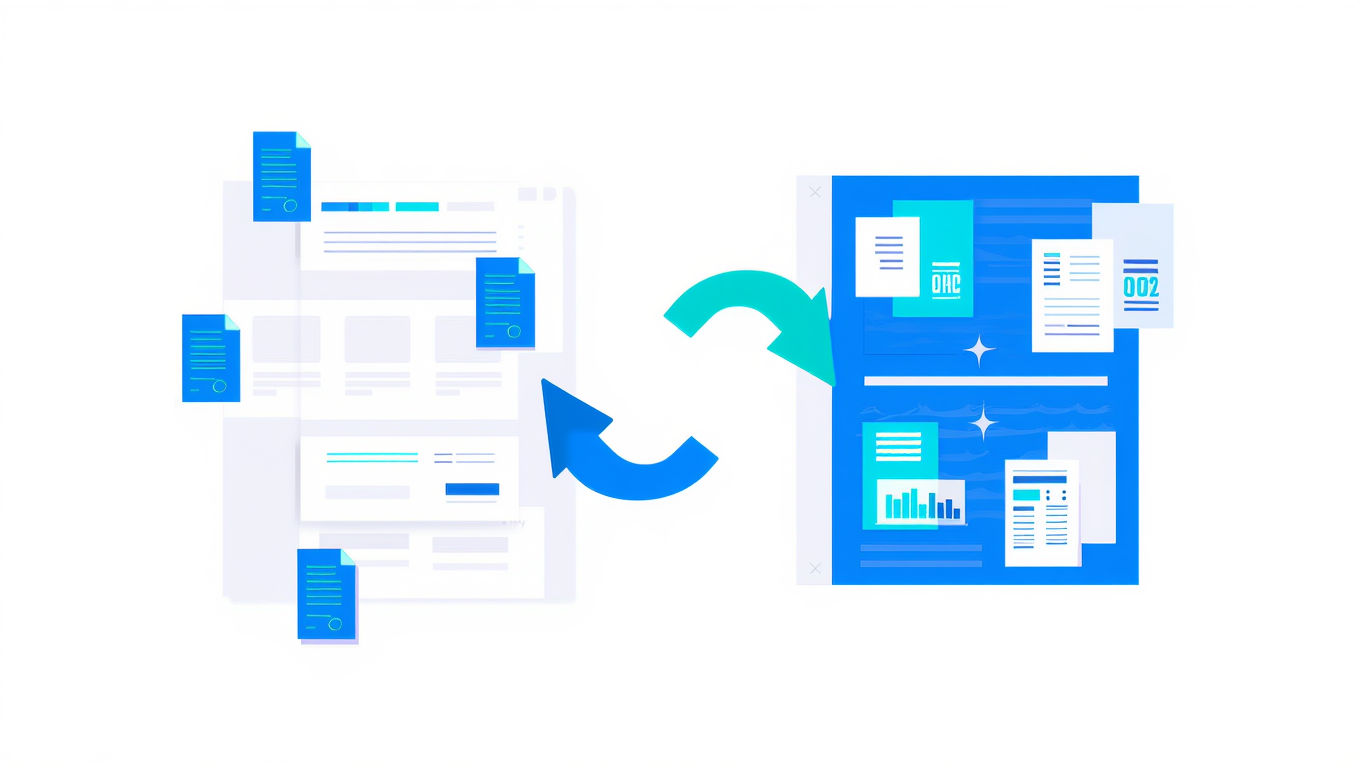
SAFE’s Xero integration fixes this by syncing your billing data directly into Xero. No copy-pasting, no spreadsheets, no month-end panic.
Why Accounting Integration Matters
Your billing platform and your accounting software hold two versions of the same financial story. When they’re not connected, problems creep in:
- Invoices don’t match -a typo during manual entry means your accounts show different figures to your billing system
- Payments get lost -reconciling what’s been paid in billing versus what’s cleared in Xero is time-consuming
- VAT returns are wrong -if the numbers don’t agree, your VAT submissions could be inaccurate
- Month-end takes forever -hours spent cross-referencing two systems that should already agree
For most resellers, the monthly billing run generates dozens or hundreds of invoices. Entering each one by hand simply doesn’t scale.
The Manual Data Entry Problem
Here’s what the process looks like without integration:
- Run your billing cycle in SAFE
- Export or print your invoices
- Manually create matching invoices in Xero
- Wait for payments to arrive
- Manually mark invoices as paid in both systems
- Reconcile and hope the numbers match
Every manual step is a chance for error. And the bigger your customer base grows, the worse it gets. What takes an hour with 20 customers takes a full day with 200.
What the SAFE-Xero Integration Covers
The integration handles three key areas:
Invoice Sync
When you generate invoices in SAFE, the integration creates matching invoices in Xero automatically. Each invoice includes:
- Customer name and details
- Full line-item breakdown of charges
- Correct VAT treatment
- Due dates and payment terms
Your Xero ledger stays perfectly in step with your billing platform.
Payment Sync
When payments are collected through SAFE -whether by Direct Debit, card, or manual entry -the integration marks the corresponding Xero invoices as paid. This means:
- No manual payment reconciliation
- Your aged debtor reports are always current
- Cash flow visibility is instant
If you’re using payment collection through GoCardless or Stripe, payment sync happens automatically after each payment run.
Customer Sync
New customers added in SAFE can be synced to Xero as contacts. This keeps your customer database consistent across both systems and avoids the classic problem of slightly different spellings or missing details.
Setting It Up
Getting started with the Xero integration involves a few straightforward steps:
- Authorise the connection -link your SAFE account to your Xero organisation using OAuth. This is a secure, standard process that doesn’t require sharing passwords.
- Map your accounts -tell SAFE which Xero revenue accounts and tax rates to use for different charge types.
- Configure sync options -choose whether to sync invoices, payments, customers, or all three.
- Run an initial sync -bring across your existing data to establish a baseline.
The full initial setup guide walks you through each step with screenshots.
Day-to-Day Operations
Once set up, the integration runs quietly in the background. After each recurring billing cycle:
- New invoices appear in Xero within minutes
- Payments sync after each collection run
- Any new customers are created in Xero automatically
You can check the sync status at any time from within SAFE. The ongoing operations guide covers the day-to-day details.
Most resellers find they go from spending hours on monthly data entry to spending minutes checking that the sync completed successfully.
Handling Edge Cases
Real-world billing isn’t always straightforward. The integration handles common scenarios including:
- Partial payments -if a customer pays part of an invoice, both systems reflect the outstanding balance
- Multiple Xero organisations -if you run separate Xero accounts for different parts of your business, each can connect independently
- Historical data -you can sync past invoices to bring Xero up to date
Troubleshooting Tips
Occasionally things don’t sync as expected. The most common causes are:
- Expired authorisation -Xero tokens need refreshing periodically. SAFE will alert you if the connection drops.
- Account mapping changes -if you rename or archive accounts in Xero, update the mapping in SAFE.
- Duplicate contacts -if a customer already exists in Xero under a slightly different name, the sync might create a duplicate. Clean these up in Xero and the sync will use the correct record going forward.
The troubleshooting guide covers these and other scenarios in detail.
Is It Worth It?
If you bill more than a handful of customers, the time savings alone justify the integration. But the real value is accuracy. When your billing and accounting systems agree automatically, you can trust your numbers. Your VAT returns are right. Your aged debtors report is current. Your month-end close is fast.
That’s time you can spend growing your business instead of reconciling spreadsheets.