
AI Assistants for Telecoms Billing
Connect Claude or ChatGPT straight to your billing platform and ask questions in plain English.
Live now. Works with Claude on claude.ai and ChatGPT on chatgpt.com.
Get It Switched OnYour Billing Platform, Now Conversational
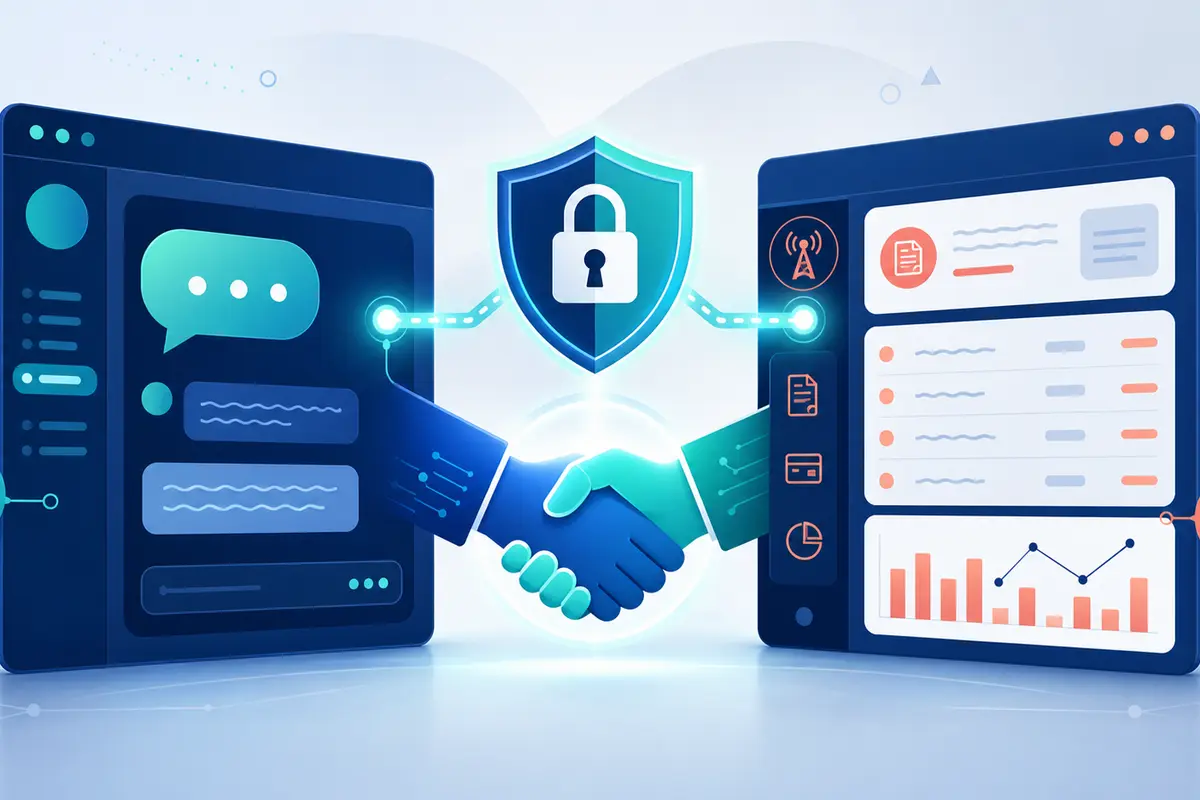
SAFE has a built-in MCP server. So you can connect the AI assistant you already use. Claude and ChatGPT both work. It reads your live billing data. No exports, no spreadsheets, no waiting for reports. Just ask:
- ✓"What did we invoice each month this year, broken down by dealer?"
- ✓"How much did we collect by Direct Debit last month, and how much failed?"
- ✓"Show me aged debt in 30, 60 and 90 day buckets."
- ✓"What were my ten largest invoices last month?"
- ✓"Find the customer on this phone number and show their overdue invoices."
What Your Assistant Can Do
Reporting and KPIs
Invoiced revenue, payments, Direct Debit collections, aged debt, and customer growth. Grouped by month, quarter, dealer, or payment method, straight from live data.
Finding Records
Describe a customer by name, account number, postcode, or phone number. The assistant finds them, then pulls their invoices, payments, numbers, and services.
Taking Action
With write access granted, the assistant can email an invoice, generate a payment link, or suspend billing on a number. It uses the platform's own workflows and confirms big steps first.
A Morning With an AI Assistant
Credit Control
"Who owes us the most right now?" The assistant lists your largest unpaid balances. It checks how overdue each one is. It can then create secure payment links for the worst of them.
Month-End Reporting
"Summarise last month: invoiced, collected, failed collections, and new customers." One question replaces four reports, and you can drill into anything that looks odd.
Customer Queries
A customer rings about their bill. Ask the assistant for their account, recent invoices, and payment history while you are still on the call.
Routine Admin
"Email this month's invoice to Acme with a covering note about the tariff change." The assistant drafts the note, you approve it, and the platform sends it.
Security Comes First
An AI connection is as powerful as an API key. So we treat it like one. The security model is built into the platform, not bolted on:
- ✓Standards-based sign-in: OAuth 2.1 with PKCE, the same modern standard the big SaaS platforms use. No pasted API keys.
- ✓Your login, your permissions: each member of staff approves their own connection with their normal login plus two-factor authentication. The assistant can never see more than they can.
- ✓Granular consent: separate permissions for reporting KPIs, reading records, and making changes. Write access is off by default.
- ✓Full audit trail: every AI query and action is logged and flagged as assistant activity, so you always know what was done and by whom.
- ✓Kill switches and revocation: staff can revoke their own connections at any time. Administrators can switch off read or write access for the whole platform in one step.
How It Compares to the API
The MCP connection sits alongside the existing REST API. The API is for developers building links between systems. MCP is for people. It lets an AI assistant answer your questions and do jobs for you, with no code involved. Both use the same permission model. Both are covered in the platform documentation.
AI Assistant Questions and Key Terms
What does MCP mean?
Which AI assistants work with SAFE?
Can an AI assistant change my billing data?
Is it safe to connect an AI assistant to billing data?
Is AI assistant access available now?
Ready to Connect?
AI assistant access is live. Get in touch and we will enable it on your platform and walk you through connecting Claude or ChatGPT.